HINDI INPUT ON GBOARD:
A USABILITY STUDY
- Team Members
- 4
- Timeline
- 3 weeks
- Methods
- Usability testing, NASA-TLX, Affinity mapping
- Tools
- Google Forms, Google Sheets, Figma
Introduction
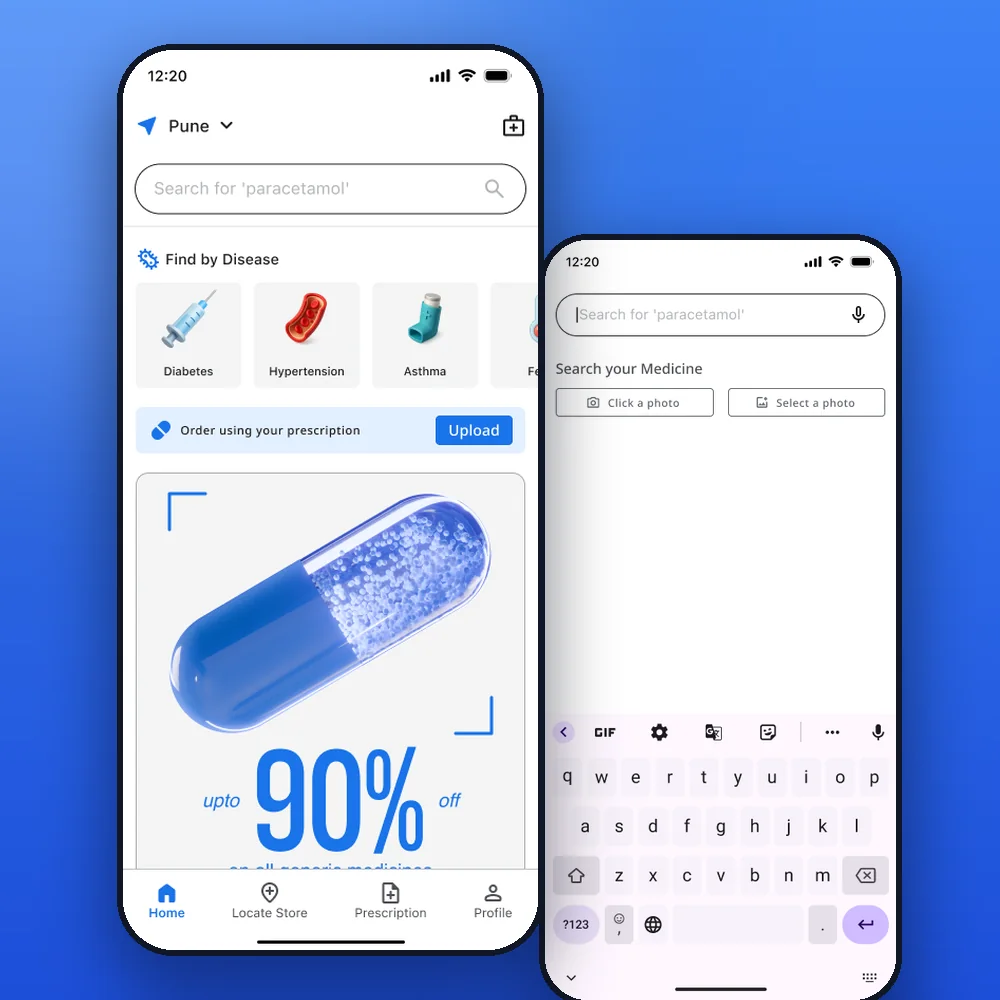
Hindi is the third most spoken language in the world, yet the keyboards people type it on were built for the Latin script. Gboard gives Hindi speakers three ways in: Direct Hindi, English to Hindi transliteration, and Voice to Text. Almost no one had tested how usable any of them actually are.
We ran a usability study with 33 people to find out which method is the fastest, the most accurate and the easiest to use, and why.
No single method wins. Each one trades speed, accuracy and effort differently.
Study Design
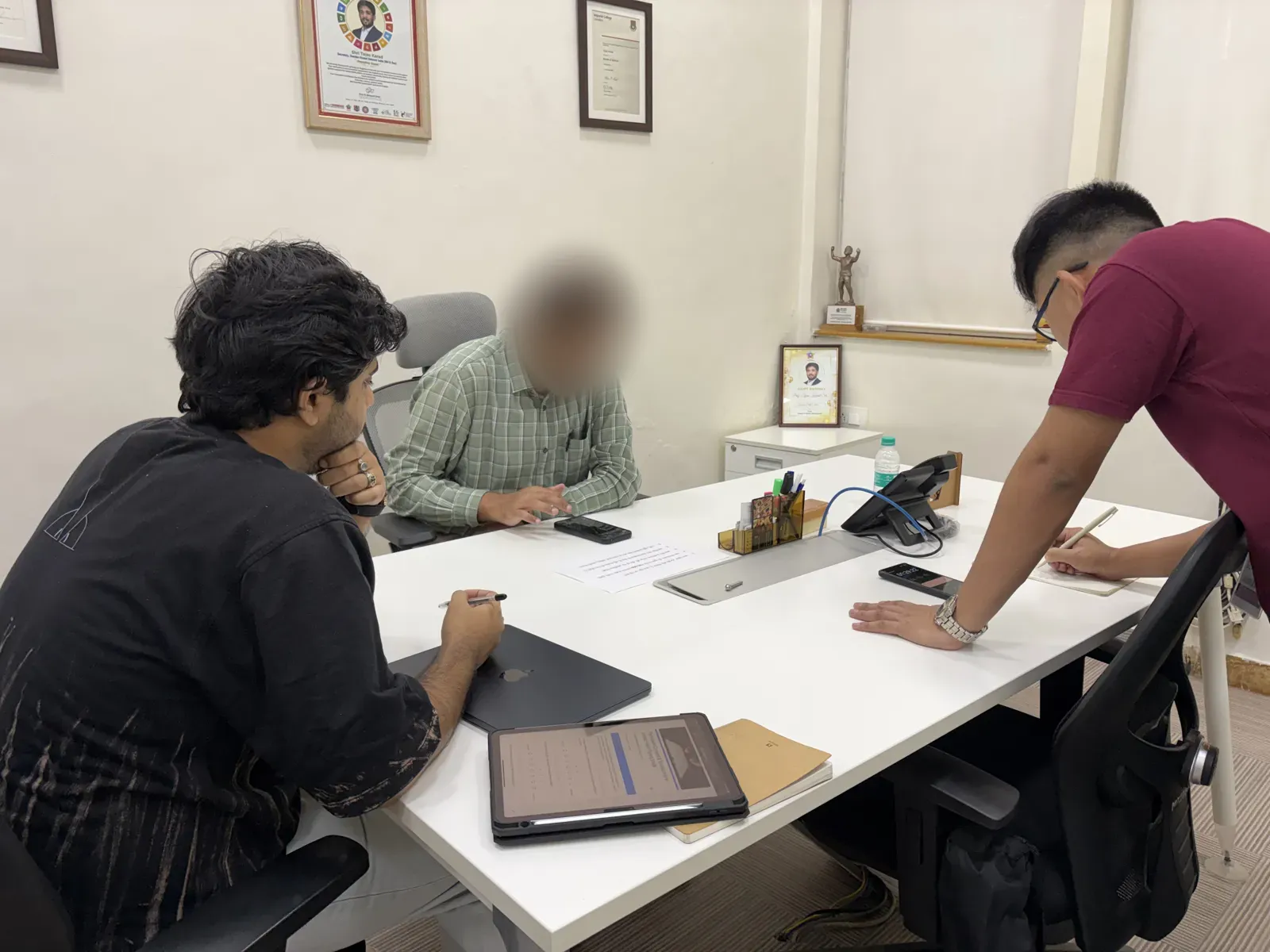
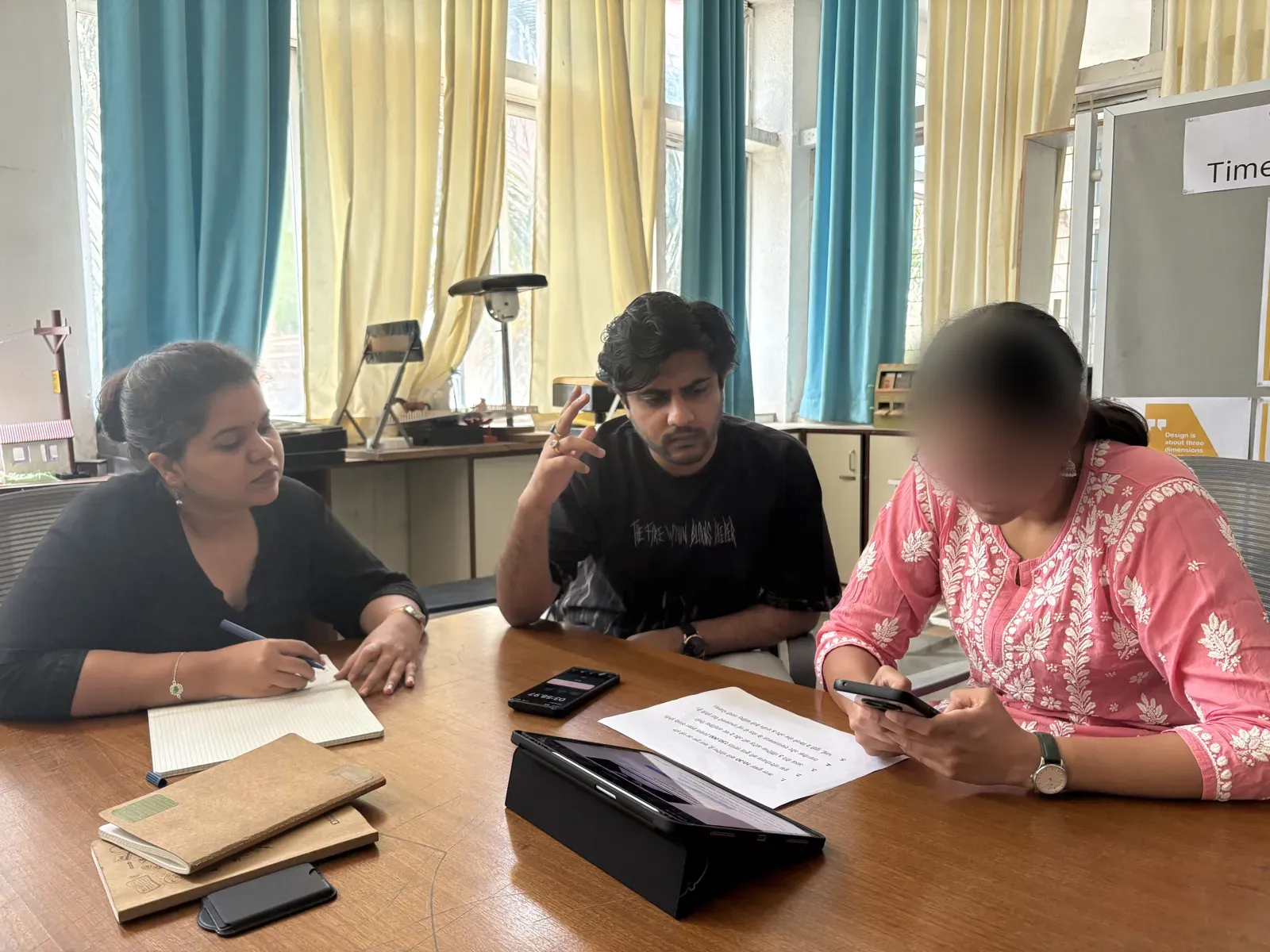
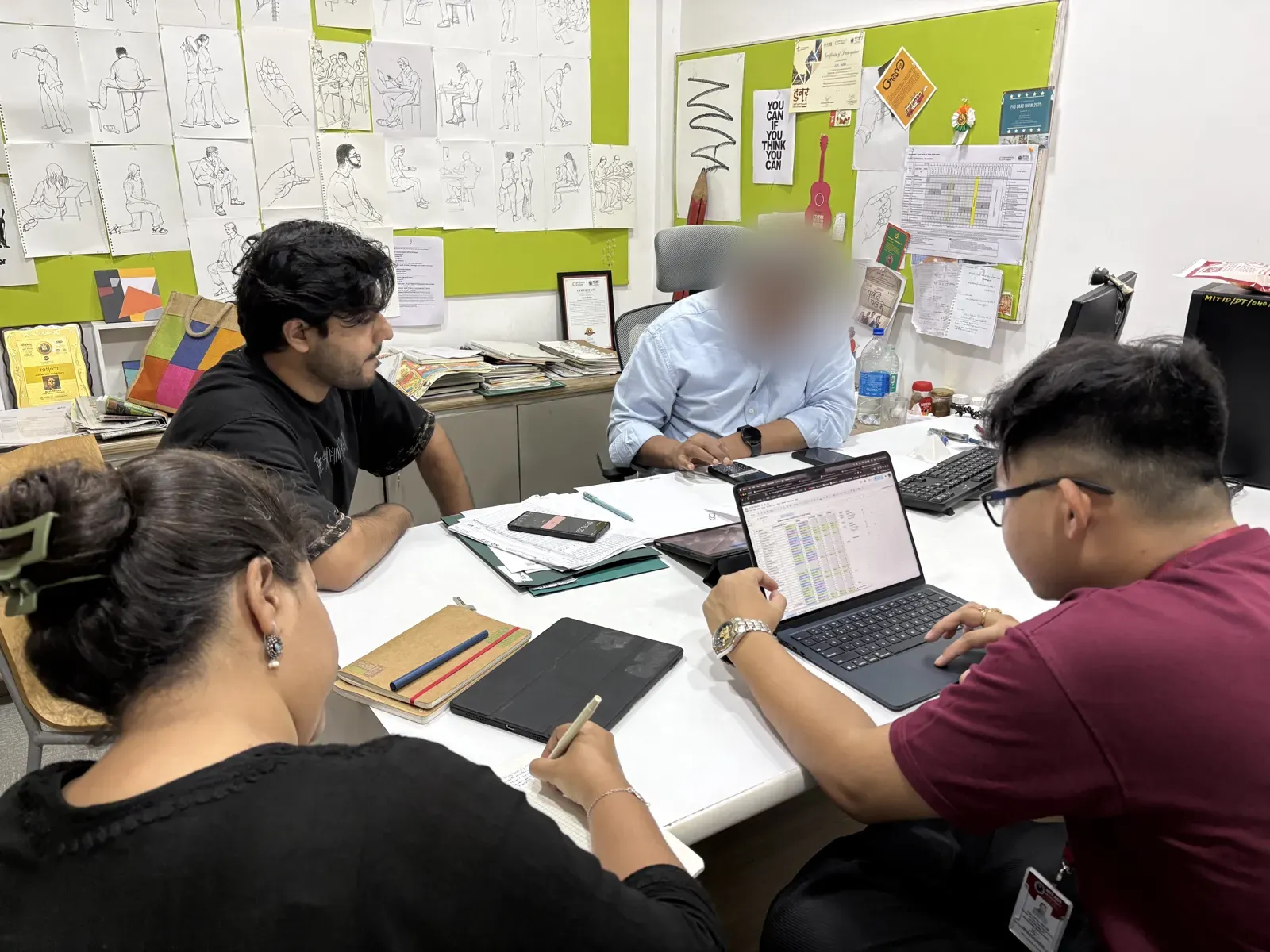
We screened 40+ people who type in Devanagari on Gboard every day and shortlisted 33 Hindi and Marathi speakers aged 20 to 45. Each person typed the same five Hindi sentences twice: once with the method they use often (expert) and once with one they rarely use (novice).
To keep everything except the person constant, every test ran in a quiet room on the same Android phone (Nothing Phone 2a), with Gboard reset between participants. We timed each sentence, recorded the screen and noted what people said and did. After the familiar method, each participant rated the workload in a NASA-TLX form on a 1 to 7 scale.
Five sentences, five stress tests
| Sentence | What it contains | What it tests |
|---|---|---|
| “कल सुबह 10:30 बजे मीटिंग है, क्या तुम आ रहे हो?” | Symbols, Western Arabic numerals, the conjunct क्य | Conjuncts in Direct Hindi |
| “इस परियोजना की कुल लागत ₹50,000 (पचास हज़ार रुपये) होगी।” | The rupee symbol, text in brackets, the nukta in ज़ | Money and brackets in Voice to Text |
| “आज मैंने 3 मीटिंग्स अटेंड कीं और 2 नए आइडिया लिखे।” | Open-syllable words like नए, numerals | Vowel signs (matras) in Direct Hindi |
| “तकनीक और रचनात्मकता के मेल से नई संभावनाएँ पैदा होती हैं।” | Long words, anusvara (सं), chandrabindu (एँ), the conjunct त्म | Keystrokes and diacritics in English to Hindi |
| “भाई, मुझे 2 किलो सेब और 5 दर्जन केले चाहिए; जल्दी भेजना।” | The conjunct ल्द, a semicolon | Punctuation and context in Voice to Text |
Speed
Voice to Text finished the five sentences in an average of 16 seconds. English to Hindi took 54, and Direct Hindi took 114, seven times longer than speaking.
Average time to complete all five sentences
Seconds, lower is faster
The gap holds sentence by sentence. Direct Hindi never rose above 8 words per minute, English to Hindi ran between 13 and 23, and Voice to Text between 60 and 90. But voice's real-world speed depended on how clearly people spoke and how often they had to stop and fix the result.
Average words per minute, by sentence
Errors
Speed is only half the story. For six randomly sampled participants, we counted mistakes left in the final text (uncorrected error rate, UER) and mistakes fixed along the way (corrected error rate, CER).
Error rates for the two typing methods
Percent of keystrokes, lower is better
Direct Hindi was slower but more precise: for every 100 keystrokes, people fixed about 7 mistakes and left about 4. English to Hindi left more than twice as many errors behind, about 10 in every 100.
It also cost more taps. Transliteration felt easier, yet complex words took far more keystrokes than typing them directly.
Keystrokes needed for the words people struggled with
Why the errors happen
Classifying every mistake showed each method fails in its own way.
Direct Hindi
Matra and spatial errors
A dense layout makes people hunt for keys. Lookalike marks get swapped, like the anusvara and the chandrabindu, and half-letters lead to hitting the key next door.
English to Hindi
Mapping errors
English and Hindi don't map one to one, so people guess spellings. Nuktas get lost (हजार instead of हज़ार), digits turn into Devanagari numerals, and auto-spacing adds stray gaps.
Voice to Text
Acoustic errors
Word endings get misheard (मीटिंग्स loses its “s”), stutters get transcribed, punctuation never appears, and “50” versus “fifty” is a guess.
Workload
Right after typing with their familiar method, participants rated six dimensions of workload with NASA-TLX on a 1 to 7 scale (1 = very low). Direct Hindi was the most demanding overall, at 4.02.
| Method | Mental | Physical | Temporal | Performance | Effort | Frustration | TLX | Avg time |
|---|---|---|---|---|---|---|---|---|
| Direct Hindi | 4.55 | 4.18 | 3.27 | 3.55 | 4.64 | 3.91 | 4.02 | 114 s |
| English to Hindi | 3.36 | 3.00 | 4.00 | 3.09 | 3.09 | 2.36 | 3.15 | 54 s |
| Voice to Text | 3.30 | 3.70 | 3.30 | 2.80 | 3.80 | 1.90 | 3.13 | 16 s |
Time, effort and frustration side by side
All on a 1 to 7 scale (time converted to the same range). Lower is better.
Voice was the fastest by far, yet it took more effort than English to Hindi: people had to correct misheard words, repeat hard ones and deal with the microphone dropping out. English to Hindi was the most balanced, with no extreme highs or lows.
Affinity Mapping
We grouped what we saw in the recordings and heard from participants into eight themes.
Behaviour patterns
Voice to Text issues
User background
Speed and effort
Keyboard and typing
Script issues
Interface and usability
Cognitive and learning
Emotional Journey
Mapping how people felt across each sentence showed a clear link: the moment a sentence brought in numbers, symbols or conjuncts, calm turned into confusion or panic.
कल सुबह 10:30 बजे मीटिंग है, क्या तुम आ रहे हो?
इस परियोजना की कुल लागत ₹50,000 (पचास हज़ार रुपये) होगी।
आज मैंने 3 मीटिंग्स अटेंड कीं और 2 नए आइडिया लिखे।
तकनीक और रचनात्मकता के मेल से नई संभावनाएँ पैदा होती हैं।
भाई, मुझे 2 किलो सेब और 5 दर्जन केले चाहिए; जल्दी भेजना।
😀-No issues while typing 😢-Confusion with spelling
😑-Small friction while typing 😨-Panic and frustration
Takeaways
There is no single best way to type Hindi. The right method depends on who is typing, what they are typing and where.
Direct Hindi
Most control, most work
Slowest and most tiring, but the most accurate. It suits people who learned Devanagari young and want exact matras.
English to Hindi
The balanced default
Least mental effort thanks to the familiar QWERTY layout, as Jakob's law predicts, but it leaves the most errors and costs extra keystrokes.
Voice to Text
Fastest, least predictable
Seven times faster than Direct Hindi, but accents, noise, numbers and punctuation keep pulling people back to typing.
What this means for design
The answer isn't a brand new layout that people have to learn from scratch. It's improving the keyboards people already use, using what we know about the script and what we saw people do:
- Bring matras and modifiers closer together instead of scattering them across the layout.
- Teach transliteration the marks people miss, like the nukta and nasal dots, and stop converting digits without asking.
- Make symbols and brackets reachable without switching modes.
- Let voice input infer punctuation and format numbers from context.
Scope and next steps
We ran this as a controlled experiment on purpose: one quiet room, one phone and a freshly reset Gboard for everyone, so the only thing that changed was the input method. That control is what makes the three methods comparable. The next step is to take the same test into the real world, with background noise, people's own phones, iPhone users and more Indian languages.